|
Mounting a CD / DVD and Blu-Ray / HD-DVD drive from a remote PC |

|
|
Mounting a CD / DVD and Blu-Ray / HD-DVD drive from a remote PC |
|
To mount a CD/DVD/Blu-Ray drive from a remote computer and use this drive like an optical drive:
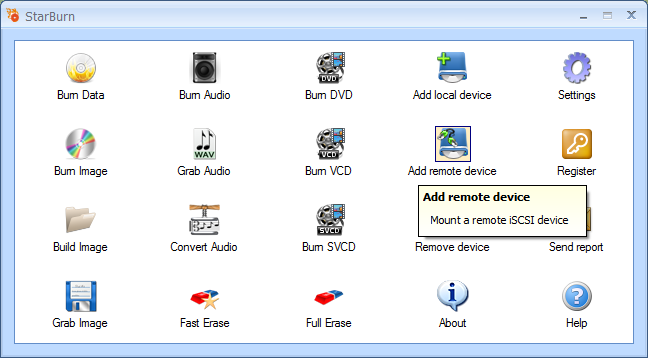
1. Click the Add remote device icon.
2. Enter an IP address and port number of a remote iSCSI server that hosts the device you need to connect to.
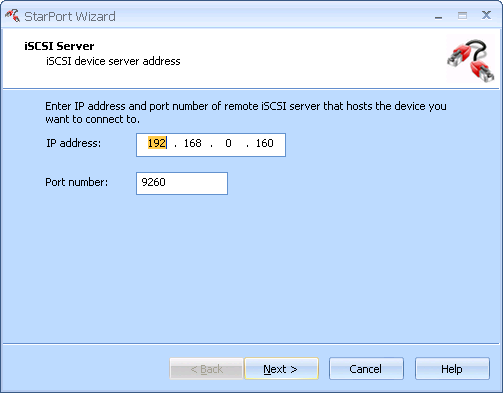
3. Click Next to continue.
4. Choose a target you need from the list of available targets.
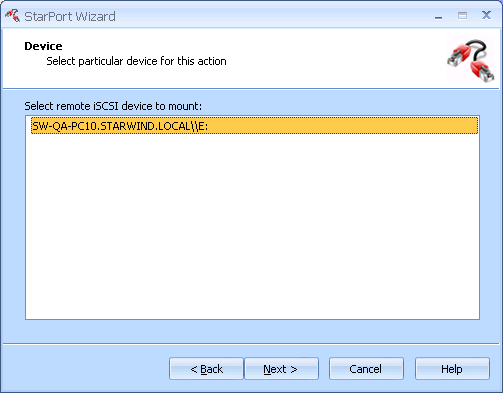
5. Click Next to continue.
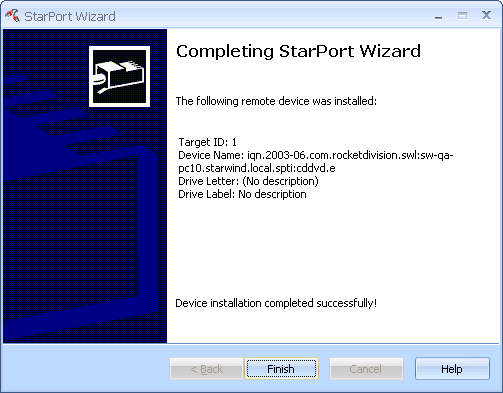
6. Click Finish to close the wizard.